Prosvita v3.54: personal invitations, flexible class promotion and AI-assisted school setup
Prosvita v3.54 brings two summer updates together in one release. Both are about how an institution gets going on the platform: how people join it, how it moves into a new academic year and how long the first setup takes.
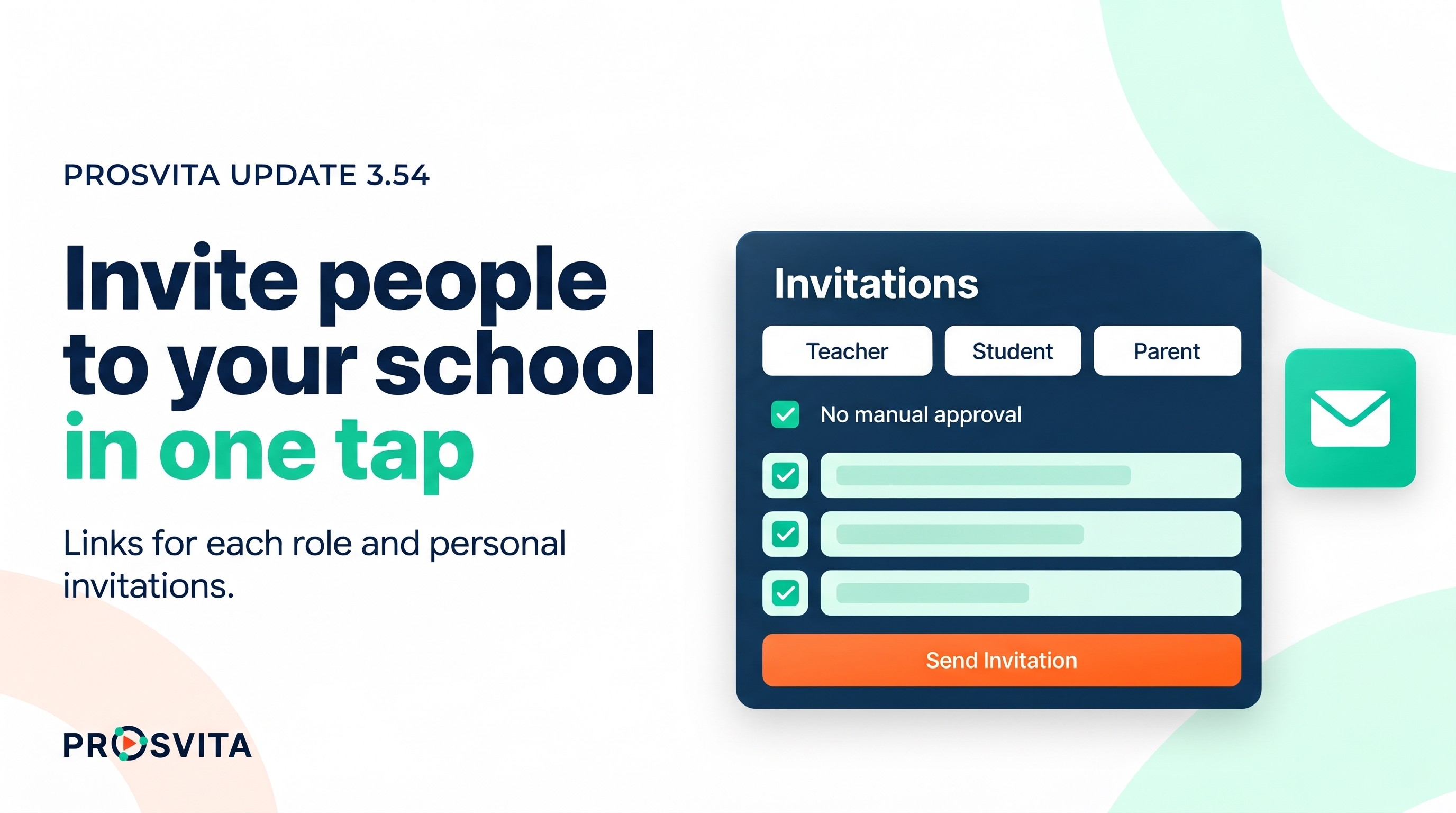
Invitations are now a module of their own. An administrator creates a sign-up link for a specific role, shares it or sends a personal invitation by email, sees who has already signed up and can revoke the link. Anyone who joins through an invitation becomes a member of the institution straight away, without manual approval.
When the academic year is closed, a class can now move to any higher grade level, not only the next one. The Setup page gains a new "Student Role" step and, together with AI assistants connected through MCP, helps an institution get ready for work faster.
The rest of the release is fixes in the journal, assignments, staff lists, payments and the News Feed.
Key capabilities for educational institutions
Invitations: a module of their own, with links for each role
Until now every invitation to an institution went through one shared link. It could not be revoked, and the role a person signed up with was easy to change right in the address. Now the institution has an Invitations module, and when it is switched on an "Invitations" item appears in the main menu.
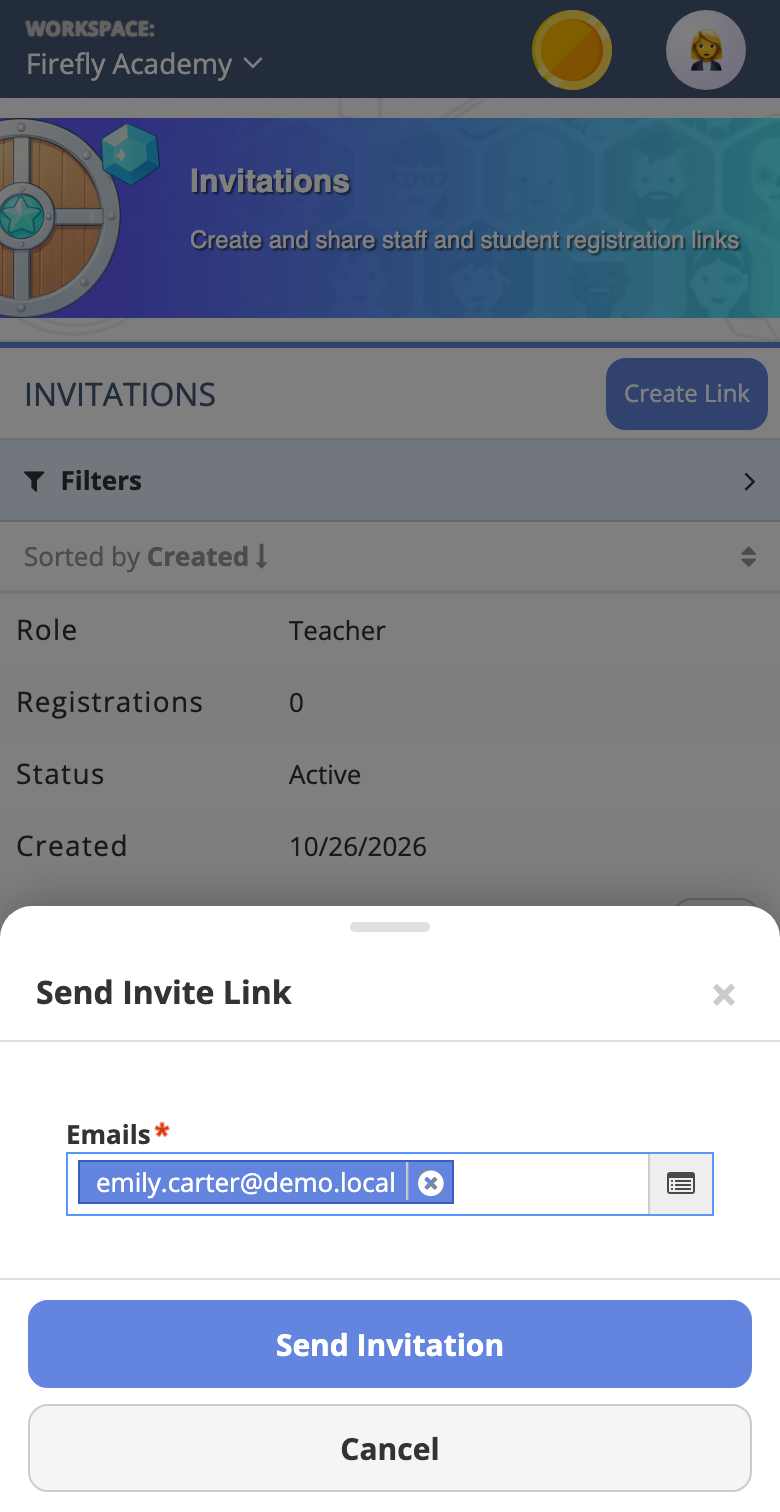
Here an administrator creates a sign-up link and picks its role: teacher, student, parent, administrator or another role of the institution. Each link shows how many people have signed up through it and whether it is active. The link's menu offers "Send Invite", "Share Link", "History" and "Revoke".
"Send Invite" sends personal invitations to one or more email addresses. Such an invitation is tied to the address and the role, so a forwarded or edited link will not let someone else in with somebody else's role. "History" shows who was invited and when.
A person who signs up through an invite link becomes a member of the institution with the right role at once, and the administrator no longer has to approve every request by hand. When a link is no longer needed it can be revoked, and nobody else can sign up through it.
Use case: Three new teachers join a school in August. The deputy head creates a link with the "Teacher" role and sends personal invitations to three addresses. By the evening "History" shows that two of them have signed up, and at the end of the week she revokes the link so it does not keep circulating in group chats.
A new academic year: promote a class to any higher grade level
When the academic year is closed, every class moves on. Until now the platform only offered the next grade level: a second grade could only become a third. Not every institution works that way. Some merge classes, some run accelerated programs, and in some schools pupils move straight from primary school into a fifth grade on another campus.
Now the class transfer step lets you pick any class of a higher grade level: a second grade can move to the third, fourth or fifth, a third to the fifth. As before, a class can also stay at the same grade level without changing its name. A class cannot be moved to a lower grade level, so pupils cannot be sent a year back by accident.
Use case: A private school opens a separate middle school campus. While closing the year, the administrator moves 4-A straight into 5-A on the new campus and moves 2-B, which follows an accelerated program, into 4-B. Nobody has to recreate the classes by hand.
Setup: everything you need to start, on one page
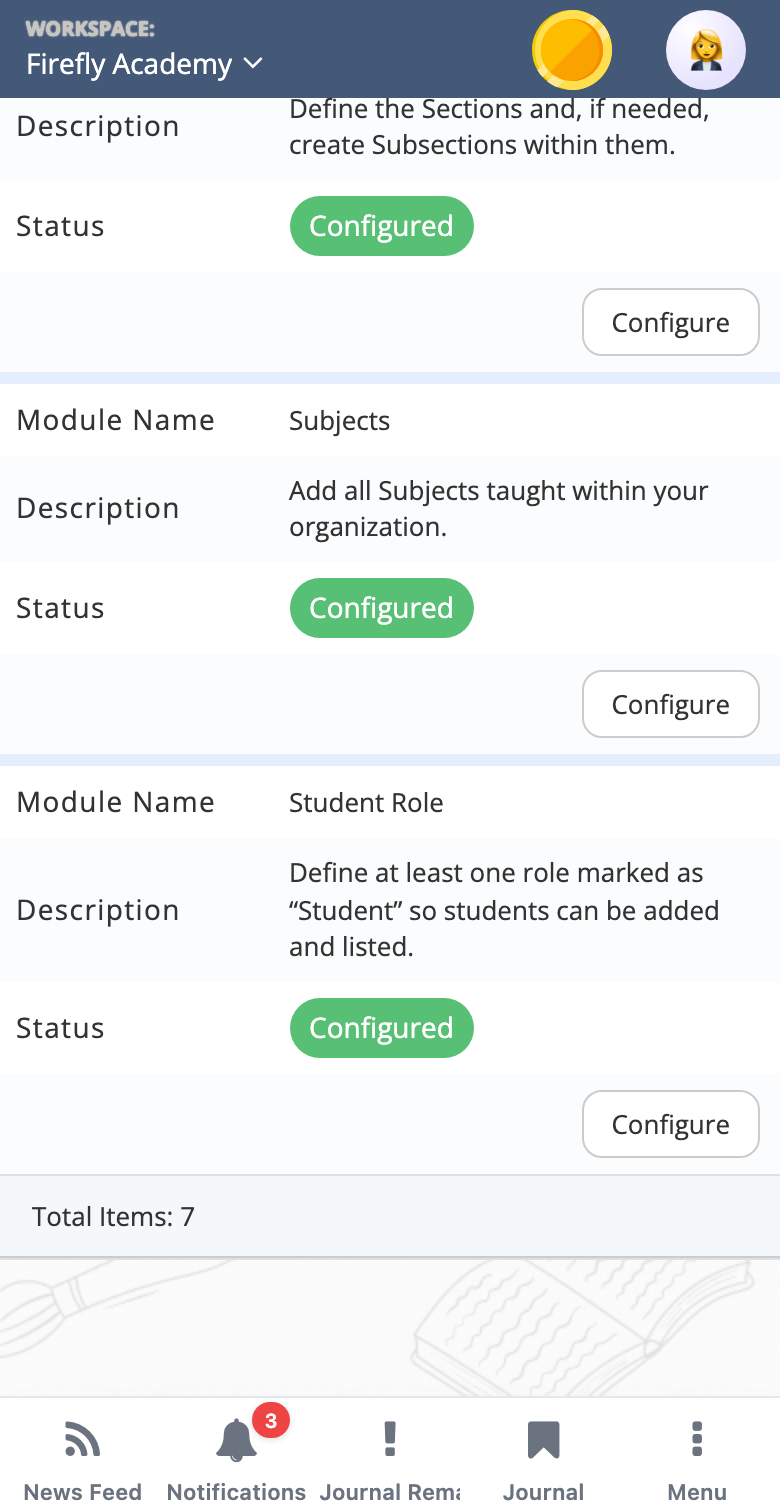
The Setup page lists the core modules an institution cannot work without: Academic Years, Class Periods, Grade Levels, Grading Systems, Sections and Subjects. Each one shows a "Configured" status and a "Configure" button.
This release adds a "Student Role" step to the list. Without a role marked as a student role, no students can be added to the institution, and until now the students list in such an institution just showed a generic error. Now the list explains what is missing, the same way the journal does, and Setup shows straight away that the step is not done yet.
Use case: A new institution sets up its workspace on its own. When the principal opens the students list, they see an explanation that the institution has no student role yet, not "something went wrong". They go to Setup, see the unfinished "Student Role" step and complete it in a minute.
AI assistants help set up the institution
Since v3.50 Prosvita supports MCP, the open protocol AI assistants such as ChatGPT or Claude use to work with external systems. In this release assistants get access to the core Setup modules: academic years with their semesters or quarters, class periods, grade levels, grading systems, sections with their subsections, and subjects. An assistant can show what is already set up and create or change what is needed.
The assistant works with the same checks and permissions as the setup pages, and only within the rights of the person who connected it. It can also tell which steps are not set up yet, so it can say what is left to do.
Assistants can now also find users by email address, first name or last name, without knowing the account's internal number. And in sections the assistant now correctly reinstates a student who was archived or removed from a section, instead of creating a second record.
Use case: A consultant is helping a new school get started. Instead of going through six Setup modules, she writes to the assistant: "Add an academic year with two semesters, grade levels one to four, sections 1-A, 2-A, 3-A and 4-A, and the subjects from this list". The assistant creates all of it in the school's workspace, and the consultant checks the result on the Setup page.
The journal and assignments follow the institution's rules
An institution's settings can set a "Lesson editing period", the number of days during which a lesson can still be changed. That period now applies to every lesson action. Outside it, no assignment can be added to the lesson and the lesson itself cannot be edited, just as was already the case for the lesson topic, and the grading system button is disabled instead of showing an error.
A grade for an assignment that is moved into the journal from the Assignments page now goes into a new column of its own. Before, it could land in an existing cell next to an attestation grade.
An administrator allowed to manage all of the institution's assignments can now edit and save an assignment created by another teacher. Before, saving was blocked by a check for classes and students that the administrator's form did not even show.
Use case: At a school a lesson can only be edited for one day. A teacher notices she forgot to attach an assignment to last week's lesson, and the platform explains straight away that the editing period is over. The deputy head she writes to opens the assignment herself, changes the due date and saves it.
Staff, students, payments and the News Feed
When a teacher from the main school is assigned to an additional branch with the same role, an empty duplicate no longer appears in the Staff list. Duplicates in a branch's staff list are fixed as well.
A student removed from an institution's students list stays a platform user without an active institution, rather than disappearing altogether.
From My Section, on the parents list, "Start Chat" with a student's parent works again.
The Payment History page opens much faster.
In the News Feed, a post with a condition reaches only the people who met that condition, and its author no longer gets it automatically. A draft post can be deleted without an error, the hint about required user categories appears next to its own field, and the list of objects in conditions and rewards is no longer see-through. When a file is attached to a post, its text is now optional, and the file field on game objects explains what it is for.
We also fixed interface translations and removed three outdated modules that institutions no longer used from the module list.
For the Prosvita team: workspace templates in several languages
The templates the team uses to prepare workspaces for new institutions now have a title, description, image, video and tags in every platform language, the same way game content already works. News Feed post templates gained sorting, a status filter, a modification date and a "Posts" action that lists every post published from the template. The grading system setting in a workspace template opens without an error again.
Software release notes
New features
- A separate Invitations module with an item in the main menu
- Sign-up links for a specific role, with their sign-up count and status
- Personal invitations by email, tied to the address and the role, with a sending history
- Revoking an invite link
- Signing up through an invite link without manual approval
- Promoting a class to any higher grade level when the academic year is closed
- A "Student Role" step on the Setup page
- A clear message in the students list when the institution has no student role
- AI assistants set up academic years, class periods, grade levels, grading systems, sections and subjects through MCP
- AI assistants find users by email, first name or last name through MCP
- Workspace templates in several languages
- Sorting, a status filter, a modification date and a "Posts" action in News Feed post templates
- Optional post text when a file is attached, and an explanation on the file field of game objects
Fixes
- The "Lesson editing period" applies to assignments and to editing the lesson
- The grading system button is disabled outside the lesson editing period
- A grade moved in from the Assignments page goes into a new journal column
- An administrator can save an assignment created by another teacher
- No empty duplicate teacher after an assignment to a branch
- No duplicates in a branch's staff list
- A student removed from an institution stays a platform user
- "Start Chat" with a parent from My Section works without an error
- Payment History opens faster
- A post with a condition reaches only the people who met it
- A draft post can be deleted without an error
- The hint about required user categories appears next to its field
- The object list in conditions and rewards has a solid background
- The grading system setting in a workspace template opens without an error
- The AI assistant reinstates an archived or removed section student instead of creating a second record
- Interface translations fixed
- Outdated modules removed from the module list
How to start using the new features
Class promotion, Setup and the fixes work right after the update. The Invitations module is switched on for the institution, and then an "Invitations" item appears in the main menu. To have an AI assistant help with setup, connect it to Prosvita through MCP. Leave a request, and we will help with any of this!
Frequently asked questions (FAQ)
How is an invite link different from a personal invitation?
Do I have to approve people who signed up through an invitation?
What happens to a link I revoked?
Can a class be moved to a lower grade level when the year is closed?
What is the "Student Role" step in Setup?
What can an AI assistant set up in the institution?