Prosvita v3.52: a new workspace that is ready from day one
Prosvita v3.52 is a short release about two things: how quickly a new institution gets a workspace it can actually work in, and how dependably the journal behaves day to day.
Every new workspace is prepared from a template that decides which modules the institution has and what each role is allowed to do. In this release that preparation gets faster and harder to get wrong. Permissions for a role can be selected in bulk, and a module that relies on other modules now switches them on together with itself. The result is a space where a teacher can open the journal on the first morning, rather than one with a missing permission that someone discovers a week later.
AI assistants connected to Prosvita through MCP learn a new area too. They can now work with the News Feed: list its posts, draft new ones in two languages, edit them and remove them, always within the rights of the person they act for.
The rest of the release is seven fixes in the journal, the schedule, the archive and the mobile app.
Key capabilities for educational institutions
New workspaces start with the right permissions and modules
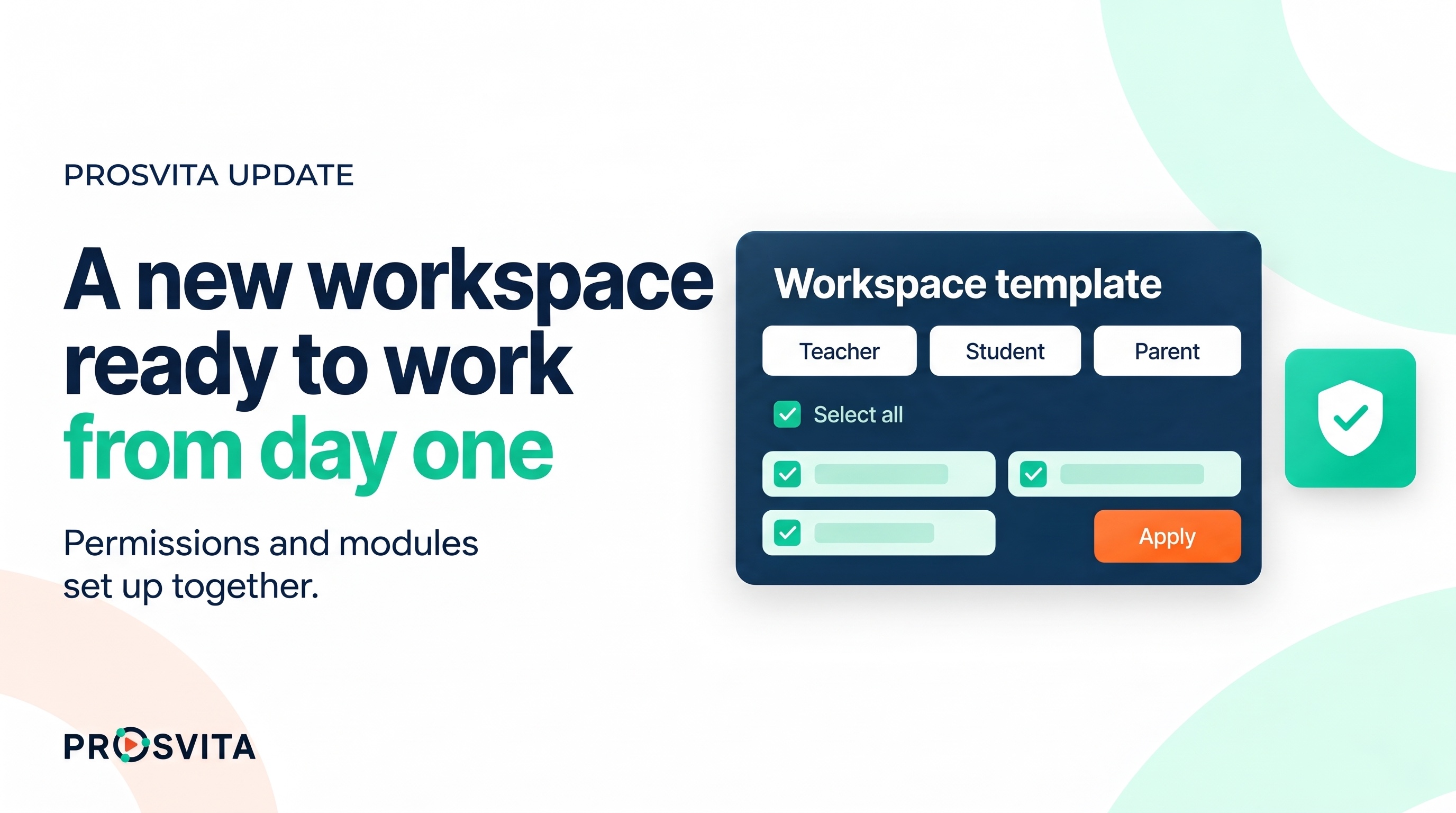
A workspace template holds the permissions table: one column per role, one row per permission. Filling it used to mean ticking every box by hand. Each role column now has a "check all" box in its header, and holding Shift while clicking selects a whole range of permissions at once, the same way rows are selected in a list. The role settings button next to each column has been tidied up as well.
Modules got a similar safeguard. Some modules only work when other modules are switched on. When such a module is applied to a workspace created from a template, the platform now says so, lists the modules it needs and offers to enable them together. Confirming switches everything on in one step. Declining leaves the workspace exactly as it was, so nothing is applied half way.
These are the tools the Prosvita team uses when preparing a workspace for a new institution. The institution sees the result: a space that opens with every module and permission it was promised.
Use case: An art school joins Prosvita in the middle of the season and wants to start classes next week. The team applies the school's template and picks a module the school asked for. The platform points out that this module relies on two others and enables all three. Then the team ticks the teacher column in one click instead of forty. On Monday every teacher opens the journal without a single "access denied".
AI assistants can run the News Feed
Since v3.50 Prosvita supports MCP, the open protocol AI assistants use to work with external systems. In this release the News Feed joins the list of things an assistant can handle.
An assistant can now list feed posts, create a post with its Ukrainian and English text, an attached file, the user groups it is meant for and the conditions and rewards attached to it, edit an existing post and remove one. It works with the institution's real posts, and only within the rights of the person who asked.
For the Game Center this matters most. Story posts that move a season forward and hand out rewards used to be typed one by one. Now a game manager can describe the week's posts to an assistant and then check the result in the feed manager.
Use case: Before a new season a game manager asks the assistant to prepare five story posts for the first week, each in Ukrainian and English, each aimed at the pupils of the junior school and each with its reward. Ten minutes later the drafts are in the feed manager, and the manager only adjusts the wording of two of them.
The journal: topics, assignments and attendance behave as expected
Four fixes in this release are about the journal itself.
Lessons graded with an attestation grade type now offer the same "Assignment" and "Agenda/Topic" actions as any other lesson. Before, those actions were simply missing from the menu.
When a teacher picks a different Calendar Planning topic for a lesson, the lesson's agenda and topic now follow it. Previously the old topic stayed in place.
An assignment created from the journal belongs to its lesson, so its student list can no longer be changed from the Assignments page. Instead of letting the change through and then showing an error to both the teacher and the student, the page now explains why the list is locked.
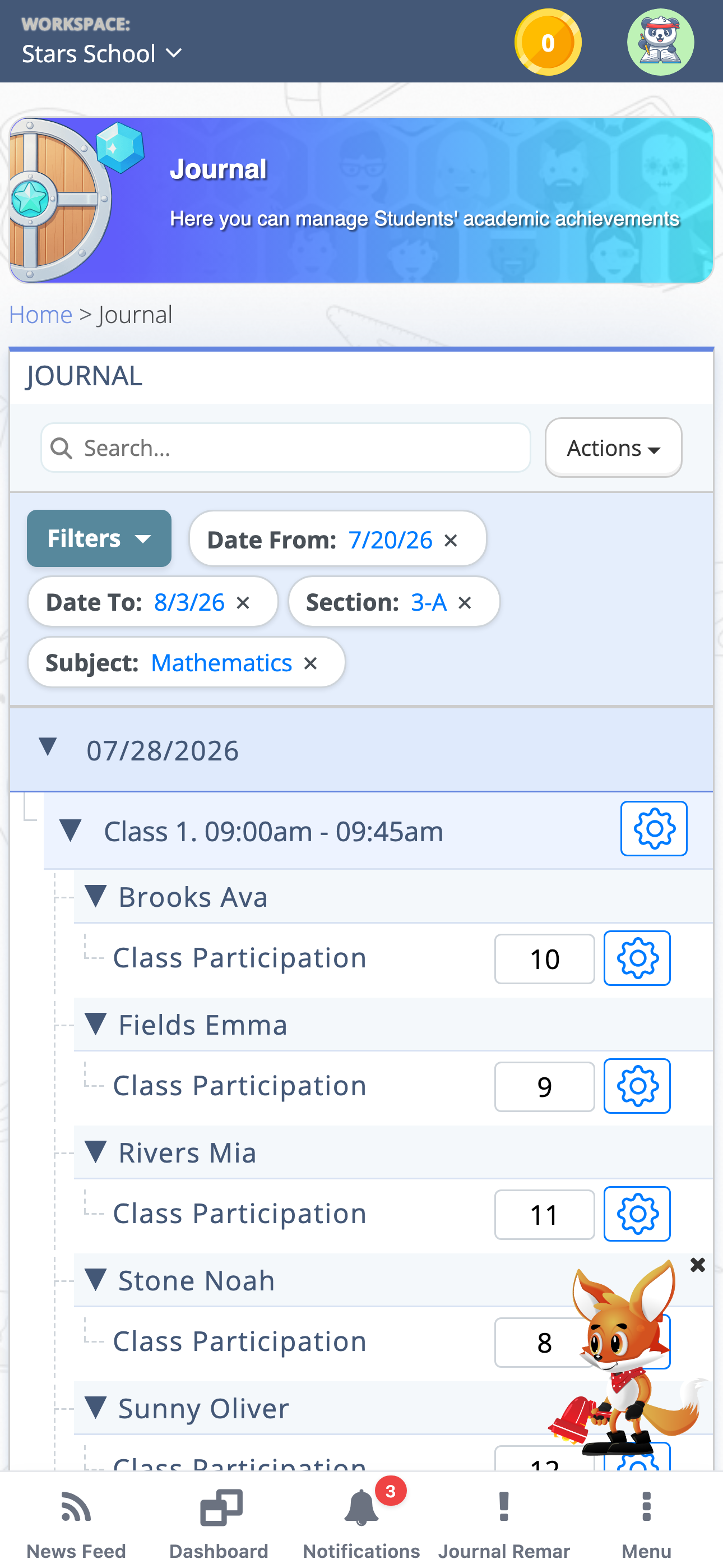
On mobile, a mark scanned with "QR Entry" appears in the journal cell straight away, without reloading the page.
Use case: A teacher prepares an attestation lesson at the end of a unit, attaches the task from the lesson menu and picks the matching topic from the calendar plan. The topic updates on the spot, and at the door she scans the pupils' QR codes on her phone and watches the cells fill in as they come in.
The schedule, the archive and the mobile app
A lesson deleted in the Schedule now disappears for administrators too, not only for teachers and students.
In the Archive, the Class Schedule of a closed academic year opens on the last week of that year. It used to open on the current week, where every date in the calendar was disabled because it lay outside the archived year.
On phones, the Fox Helper no longer sits on top of the bottom navigation menu. It stays in the corner above it, so the menu can be used without closing the helper first.
The Knowledge Base now opens in a new tab, in the browser and in the desktop app alike, so the page you were working on stays where it was.
Use case: A deputy principal checks how a class was timetabled last spring. She opens the Archive, picks the closed year and lands straight on its final week, with dates she can actually click.
Software release notes
New features
- Select every permission for a role with one "check all" box when setting up a workspace template
- Select a range of permissions at once with Shift and a click
- A tidier role settings button in the template permissions table
- Modules a module depends on are switched on together with it, after a confirmation
- AI assistants can list, create, edit and remove News Feed posts over MCP
- The Knowledge Base opens in a new tab in the browser and in the desktop app
Fixes
- A lesson deleted in the Schedule disappears for administrators too
- Lessons with an attestation grade type offer the "Assignment" and "Agenda/Topic" actions
- The Archive class schedule opens on the last week of the archived academic year
- The Fox Helper no longer covers the bottom navigation menu on mobile
- The lesson agenda and topic update when another Calendar Planning topic is chosen
- The student list of an assignment created in the journal cannot be changed from the Assignments page, and a message explains why
- A "QR Entry" mark appears in the journal cell on mobile without reloading the page
How to start using the new capabilities
Everything in this release works as soon as you update, with nothing to switch on. The template tools are used by our team when we prepare a workspace, so if your institution is about to open a new space, tell us which modules and roles it needs. To let an AI assistant work with your News Feed, connect it to Prosvita over MCP. Leave a request and we will help with either!
Frequently asked questions
Who sets up workspace templates?
What happens if the module dependency message is declined?
What can an AI assistant do with the News Feed?
Why can't I change the student list of an assignment from the Assignments page?
Why does the archived class schedule open on the last week of the year?
Can the Fox Helper be turned off?