Prosvita v3.48: A Clearer Permissions Manager and More Reliable Rosters
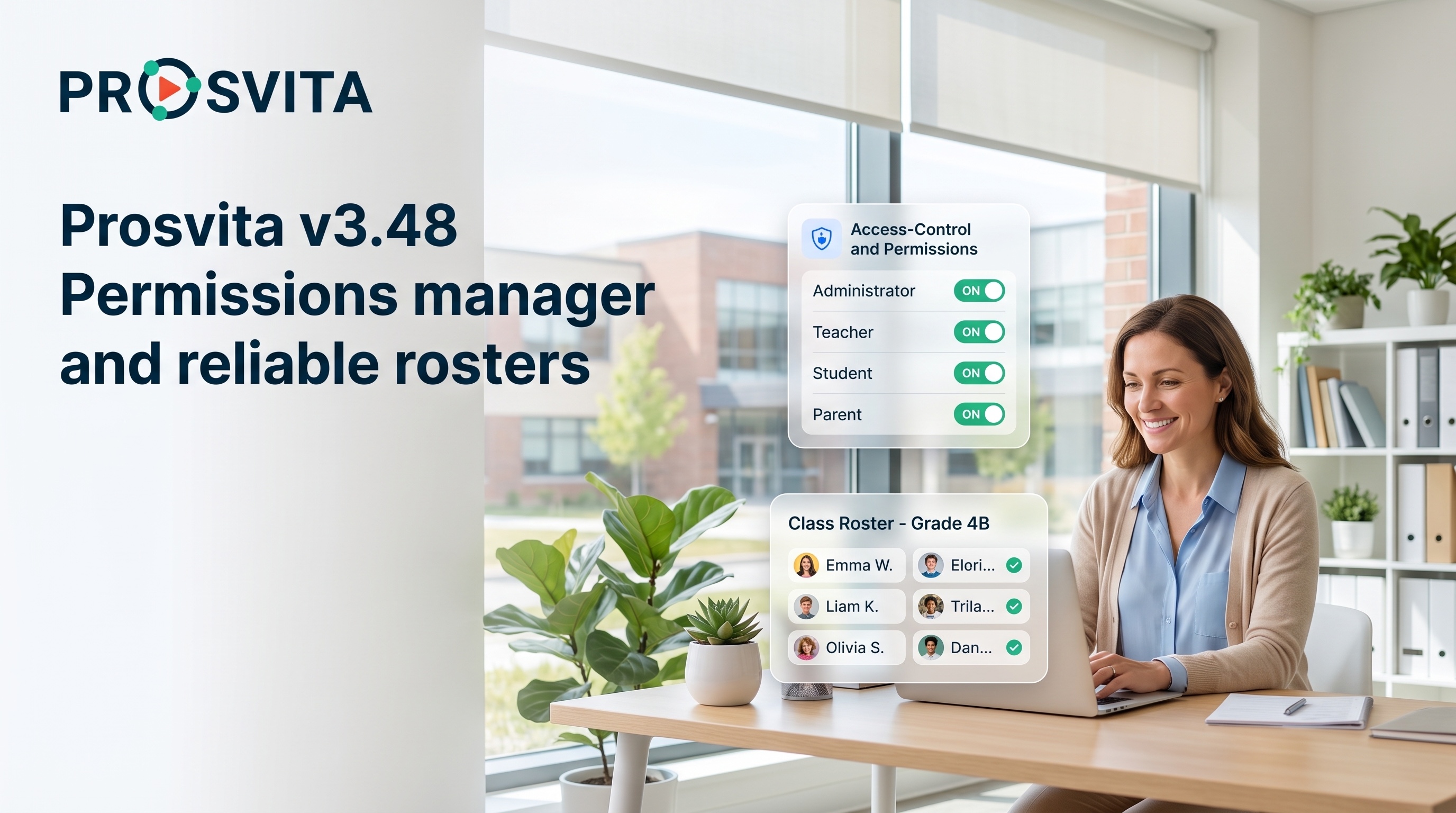
Prosvita v3.48 brings order to two things every school depends on daily: who can access what, and which data users actually see. Managing permissions is now much clearer: access rights are grouped logically, every group and every individual permission has a plain description, and setting up roles is far easier.
This release is mostly about reliability. Archived students no longer receive tag-based assignments, the assignments list shows only the active academic year, and the journal syncs across browser tabs in real time. New schools, whether created by a user or an administrator, now receive the right attendance types and document templates from the start.
For schools and education networks, this is a practical clean-up release: less confusion over access rights, tidier lists, and predictable behavior in the places where duplicates or stale records used to appear.
Key Features for School Administrators, Teachers and Education Networks
A Clearer, Role-Based Permissions Manager
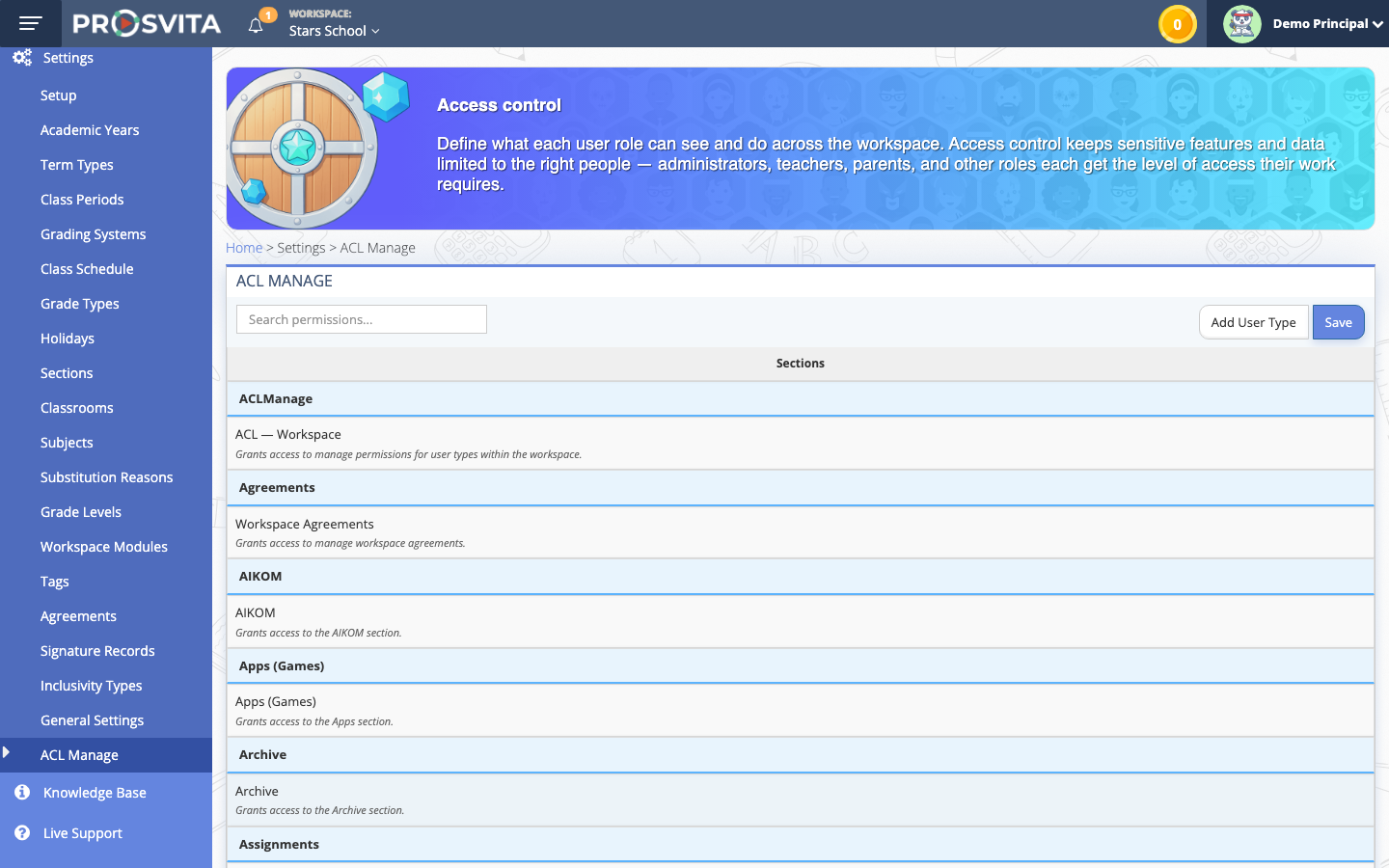
Access rights decide what every user can see and do in Prosvita, and until now that screen was hard to master. In v3.48 the permissions manager is rebuilt: rights are grouped logically, every group and every individual permission carries a plain description, and the whole structure is easier to navigate.
Administrators can see at a glance what each permission covers, and build roles around real school needs with more confidence. Less guesswork, fewer accidental grants, faster setup.
Use case: An administrator sets up a role for a homeroom teacher. Instead of one long, unreadable list, they see permissions grouped by area, each with a description, and grant exactly the access needed in a couple of minutes.
Accurate Lists: Active Year and Active Students Only
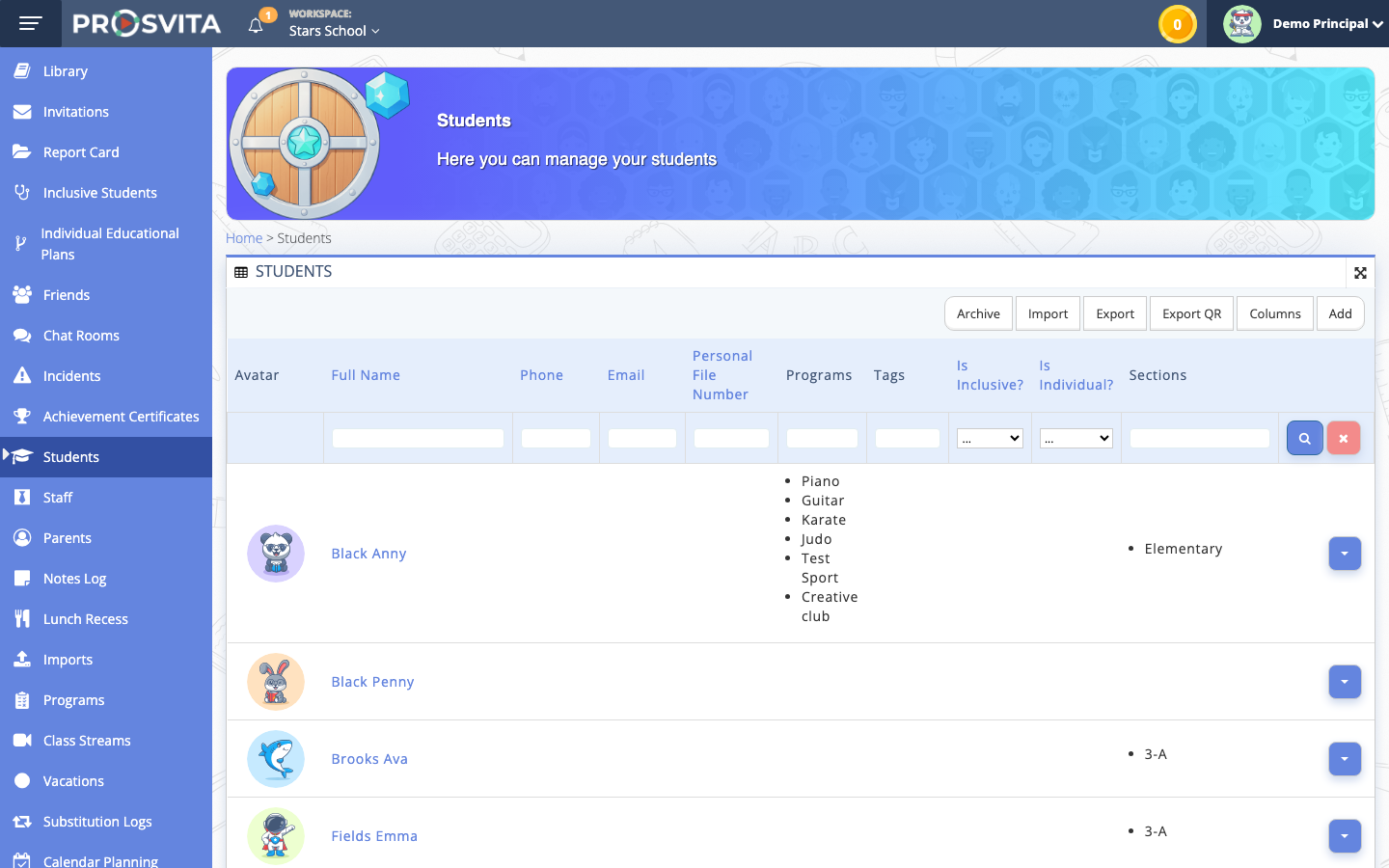
In v3.48 lists show only what is relevant right now. The assignments list displays assignments from the active academic year only, so archived years no longer mix in with current work. Tag-based assignment is more precise too: only active students with a matching tag receive the task, and archived students stay out of the way.
Together these changes remove a common start-of-term headache, where last year's records made it hard to see the real state of a class.
Use case: A teacher assigns a task to a whole class by tag. Only active students receive it, while last year's graduates in the archive are left out. In the assignments list, the teacher sees only the current academic year.
Consistent Display of Decimal Grades
Grades with a decimal part now appear the same way across every part of the platform. Previously, fractional grades could look different depending on the screen; now the display is unified, so teachers and parents see the score in one and the same format.
This small-looking improvement removes confusion when entering and reviewing grades and keeps the journal more consistent.
Use case: A teacher enters a grade of 9.5 for a piece of work. The same result appears identically in the journal, in the student's summary, and in the report for parents, with no differences in format.
Software Release Notes
New Features
- Rebuilt permissions manager: rights are grouped logically, each group and permission carries a plain description, and the structure is easier to master
Improvements
- Consistent display of decimal (fractional) grades across every part of the platform
Fixes
- Tag-based task assignment no longer reaches archived students: only active students with a matching tag receive the task
- The assignments list now shows only the active academic year; assignments from archived years are excluded
- The journal syncs across multiple browser tabs in real time when assignments are submitted, with no stale data and no duplicate submissions
- Attendance types are now assigned to schools that a user creates through "Add workspace"
- Document templates (the PDF builder) are now assigned to a school when an administrator creates a new school
- Fixed the alignment of answer options in quizzes
Get Started with the New Features
The updated permissions manager is available under Settings for administrators: open the permissions manager, review the grouped rights with descriptions, and build roles around your school's needs. The more accurate assignments list, cross-tab journal sync, and consistent decimal grade display all work automatically right after the update. Leave a request!
FAQ
What is new in Prosvita v3.48 permissions management?
Why do archived students no longer receive assignments?
How are decimal grades displayed now?
Does the journal update if I open it in several tabs?
What does a new school receive as soon as it is created?